A Booking Page Isn’t Enough: Choosing Online Appointment Software That Fits
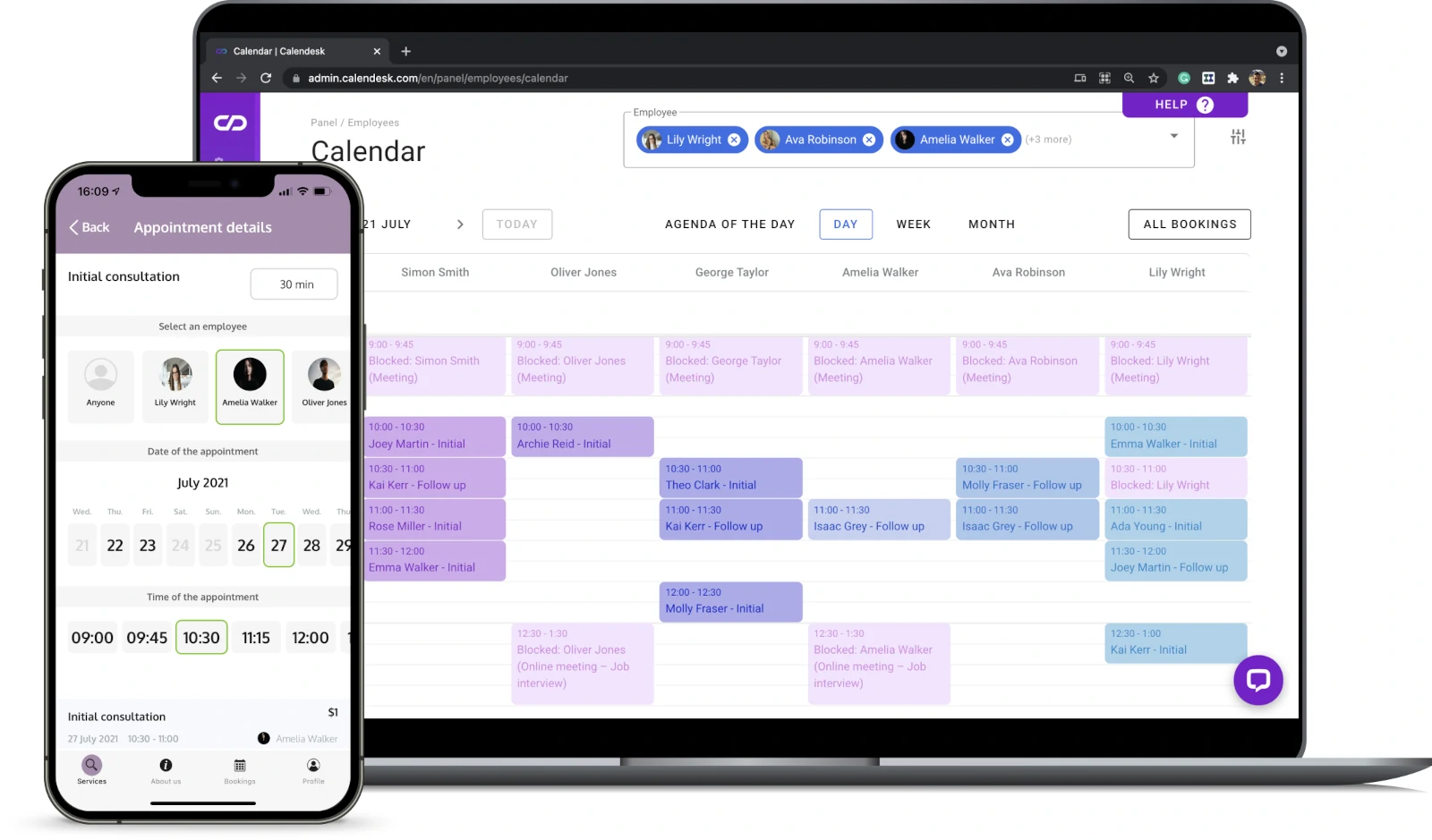
Online appointment software should be chosen as an operations system, not merely as a public calendar. As of August 2026, current products can connect self-service booking with staff and resource availability, reminders, virtual meetings and payments, so the decisive question is whether the complete workflow fits the business.
The core benefit remains straightforward: customers can request an available time without calling, while staff receive a structured appointment. The practical update is that a polished booking page is no longer a sufficient test; weak calendar rules, awkward exception handling or unclear payment responsibilities can quietly return the work to employees.
Start with the workflow behind each appointment
Before comparing products, document what must happen from the moment a customer chooses a service until the appointment is completed. Include who may provide it, how long it occupies the calendar, whether preparation or cleanup time is required, and what information staff need beforehand.
This exercise separates a simple meeting scheduler from software designed for operational booking. A consultant may need little more than personal availability and a video link. A clinic, salon or repair business may also need rooms, equipment, multiple employees, intake questions, deposits and distinct rules for each location.
Write down the exceptions as well as the ideal path. Useful test cases include an employee calling in sick, a customer booking two linked services, a room becoming unavailable, an appointment crossing time zones and a client asking to reschedule after the cancellation deadline.
Test availability as the customer sees it
A booking page should expose only genuinely bookable times. That requires more than synchronizing a single calendar: the system may need to combine business hours, staff shifts, personal calendar blocks, service duration, buffers, booking notice and location-specific capacity.
Use a trial account to create the busiest realistic day, then attempt bookings from a phone and a desktop browser. Check how quickly unavailable slots disappear, whether the correct time zone is obvious and whether customers can change or cancel an appointment without starting a separate email conversation.
Pay attention to the information requested before confirmation. Every extra field creates work for the customer and data for the business to retain, so collect what the service genuinely requires rather than reproducing an entire internal form on the first screen.
Resources and exceptions matter more than a long feature list
Staff availability alone is insufficient when a service also depends on a room, chair, vehicle or piece of equipment. The software should reserve all required capacity in the same transaction and release it consistently after a cancellation.
Current Square Appointments capabilities illustrate how broad this category has become: its official page lists resource booking, waitlists, multiple locations and time zones, multistaff appointments, calendar synchronization, reminders and cards on file. That list is not a universal recommendation; it is a useful reminder to test the operational combinations your business actually uses.
A waitlist also needs a defined process. Decide whether an opening is offered to one person or several, how long a customer has to respond and who resolves competing claims. Automation is valuable only when staff understand what the system will do.
Set payment and cancellation rules before enabling checkout
Choose the commercial policy first, then look for software that can enforce it clearly. Decide whether each service requires no payment, a fixed deposit, a percentage deposit, full prepayment or merely permission to charge an agreed cancellation fee.
Confirm how refunds, partial refunds, tips, taxes, charge disputes and failed payments appear in reports. If scheduling and accounting systems do not exchange the identifiers needed for reconciliation, employees may have to match appointments and transactions manually.
Using an integrated processor does not transfer every security obligation to the vendor. The PCI Security Standards Council’s guidance says merchants that outsource payment processing must still ensure the provider is compliant for the relevant services, define shared responsibilities, maintain appropriate agreements and monitor compliance status. Ask the processor or acquiring bank which validation applies to the particular payment flow rather than assuming that an integration settles the matter.
Choose between an ecosystem tool and a specialist platform
Software already included in a workplace suite can be attractive when appointments are primarily meetings. A specialist product may be a better fit when scheduling is tightly connected to point-of-sale activity, complex services, memberships, commissions or physical resources.
The distinction affects where operational data lives. The Microsoft Bookings documentation, updated in April 2025, describes booking pages integrated with Outlook, access through Teams and Outlook, unique Teams links for virtual appointments, and storage of booking data in Microsoft 365 and Exchange Online. For an organization already administering that environment, those details may simplify identity, calendar and compliance management; they do not by themselves make the product suitable for resource-heavy services or integrated retail checkout.
For any candidate, identify where customer, staff, service and appointment records are stored; which roles can view or export them; and what happens when an employee leaves. Also verify retention controls, audit history, bulk export and deletion procedures before importing the customer list.
Run a scenario-based trial
A feature checkbox cannot show whether the software behaves correctly under pressure. Build a short trial around real service rules and involve the receptionist, manager or practitioner who will resolve exceptions.
- Create several services with different durations, buffers, prices and eligibility rules.
- Add two staff members with overlapping availability and one shared resource.
- Book, reschedule and cancel appointments as a customer on both mobile and desktop.
- Trigger reminders and inspect their timing, sender identity and rescheduling links.
- Process the payment states the business intends to use, including a refund or failed deposit.
- Remove staff availability and confirm that affected appointments are visible and actionable.
- Export appointments and customer records in a usable format.
Record where an employee must leave the platform, copy data or make a judgment the system cannot represent. Those manual steps are often more consequential than a missing decorative feature because they recur with every booking or exception.
Calculate the cost of the operating model
Compare the cost at the expected number of staff, locations and monthly appointments. Include subscription tiers, payment processing, text-message allowances, marketplace commissions, premium integrations, onboarding, data migration and any hardware required at checkout.
Pricing should be evaluated against the workflow it replaces, not against the cheapest advertised tier. A low entry price is less useful if necessary permissions, resources, reminders or reporting sit in a higher plan. Conversely, a broad platform can be wasteful when the business only needs shared availability and confirmation emails.
Make the decision with a weighted scorecard
Assign the highest weight to rules that could create an invalid appointment, an unpaid service or an inaccessible customer record. Give lower weight to cosmetic customization unless brand presentation is central to conversion.
- Scheduling integrity: staff, resources, buffers, time zones and conflict handling.
- Customer journey: mobile booking, clear policies, confirmation, cancellation and rescheduling.
- Operations: permissions, exception queues, location management and reporting.
- Payments: deposits, refunds, reconciliation and documented responsibility boundaries.
- Data control: access, retention, audit history and practical export.
- Total cost: the complete required configuration rather than the headline plan.
The right online appointment software is therefore the product that completes the business’s actual booking cycle with the fewest fragile handoffs. Select it only after the trial demonstrates that ordinary appointments and difficult exceptions reach a clear operational outcome.
Also read:
Subscribe to our newsletter
Get the latest Web3, AI, and crypto news delivered straight to your inbox.