Right Way In Instagram Stories To Use GIFs

Hello!

Since January 2026, the ability to add GIFs to Instagram Stories has helped brands grow their authentic follower base while creating a more personal connection. Today’s consumers seek more than just products—they want to engage with brands that reflect their values and personality. They expect authentic storytelling rather than straightforward sales messages.
GIFs remain one of Instagram’s most effective tools for reaching the right audience and building a loyal community. Increased follower engagement naturally leads to more comments, likes, and other positive signals that support algorithmic visibility and business growth.
What Are GIFs?

Instagram’s GIF feature in Stories is powered by a partnership with GIPHY, giving users access to an extensive library of stickers and animations.
How to Add a GIF to Instagram Stories
Start by capturing or uploading a photo or video to Stories. Tap the sticker icon in the top-right corner to open the sticker tray. From there, select the GIF option.
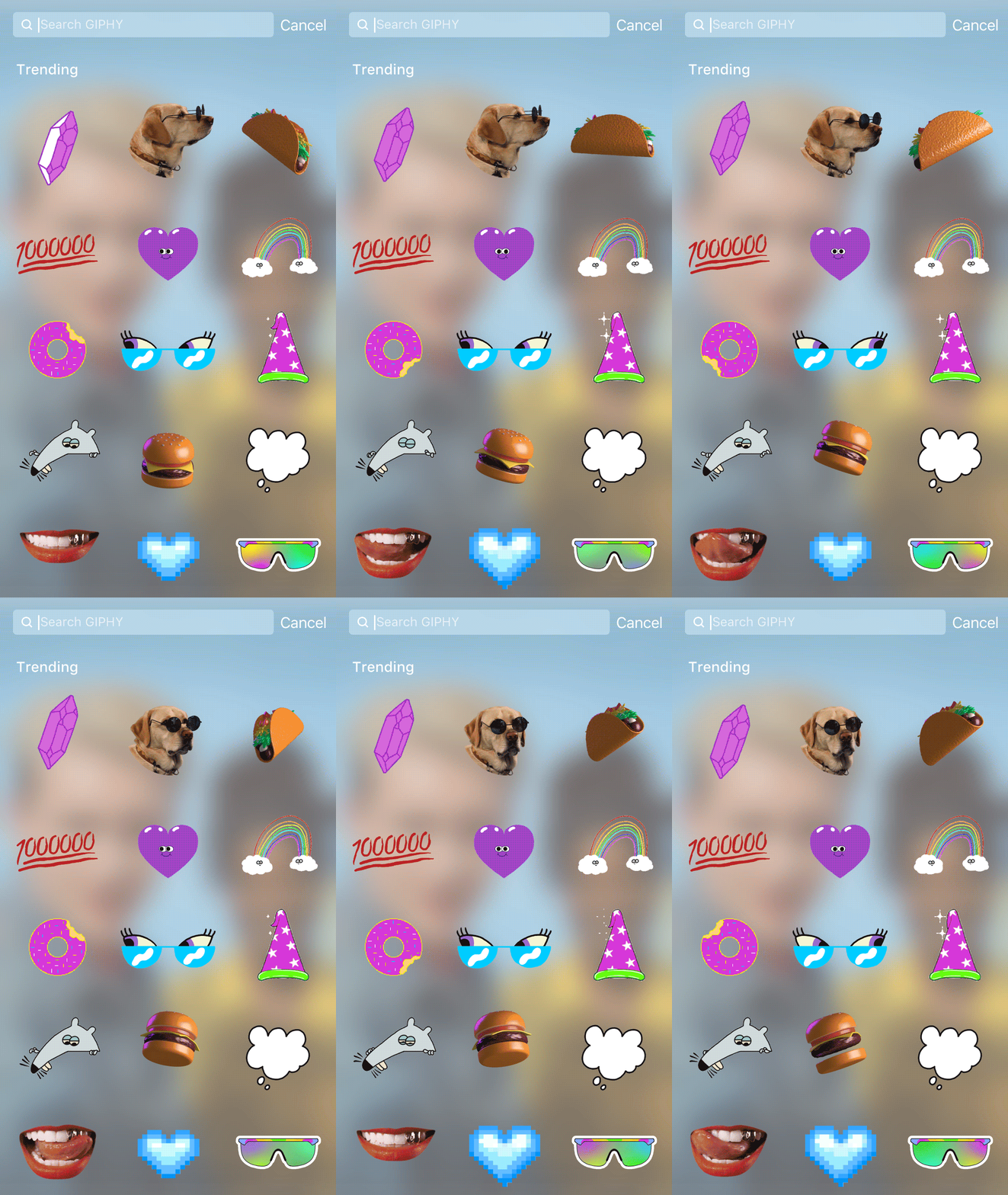 This opens the full GIPHY library. Use the search bar to browse trending GIFs or find a specific animation that matches your message. Once chosen, drag, resize, or reposition the GIF as needed. On videos, you can also press and hold to pin it to a specific moment.
Why Brands Should Use GIFs in Stories
Build Stronger Audience Connections
GIFs add personality and emotional nuance that text alone often lacks. By showcasing your brand’s character through playful or relatable animations, you capture attention and encourage followers to engage more deeply—resulting in higher comment and like activity.
Stay Culturally Relevant
GIFs remain a dominant trend across social media. Incorporating them signals that your brand stays current with digital culture, making your Stories feel fresh and approachable while fostering stronger emotional bonds with followers.
Increase Engagement and Loyalty
When followers feel more connected to your content, they are more likely to interact consistently. Higher engagement metrics—comments, likes, and saves—send positive signals to Instagram’s algorithm, improving your content’s reach over time.
Keep Viewers Watching Longer

Save Time on Creative Production
Instead of designing custom graphics, you can instantly access thousands of ready-made GIFs. This frees up resources to focus on other areas of your Instagram marketing strategy.
Enhance Storytelling
GIFs help guide viewers through an emotional journey—whether marking a celebration, conveying excitement, or adding humor—turning simple Stories into compelling brand narratives.
Highlight Products and Offers

Explore Creative Effects
GIFs offer more than static stickers. You can resize, flip, or reverse them to create unique visual effects—such as falling snow or rain—that match the mood of your Story.
Direct Attention to CTAs
GIFs naturally stand out, helping guide viewers’ eyes toward your call-to-action and improving conversion rates on Stories.
Make Text More Engaging
Adding subtle animated accents—sparkles, stars, or highlights—around text ensures your message is noticed and remembered.
Spark User-Generated Content

Share Brand Reactions
Use GIFs to express mood or celebrate moments alongside your Stories, making followers feel part of your brand’s journey.
Pin GIFs to Videos
Long-press any GIF to pin it to a specific frame in a video Story. This creates dynamic, precisely timed animations that surprise and delight viewers.
Add Personality to Photos

Conclusion
GIFs can transform Instagram Stories into more engaging, emotionally resonant content. When used thoughtfully, they capture attention quickly, communicate personality, and encourage lasting interaction. Experiment with the GIF feature to see how it elevates your brand’s presence on the platform.
Thank you!
Join us on social media!
See you!
Subscribe to our newsletter
Get the latest Web3, AI, and crypto news delivered straight to your inbox.