What Are Computer Worms And How to Stop Them?
Hello!

With the growing number of internet users, cyber threats have risen sharply. Malicious software can infiltrate our computer systems without our knowledge. Computer worms represent one such serious danger. Below we explore what they are and how to avoid them.
Why Computer Worms Are Extremely Dangerous
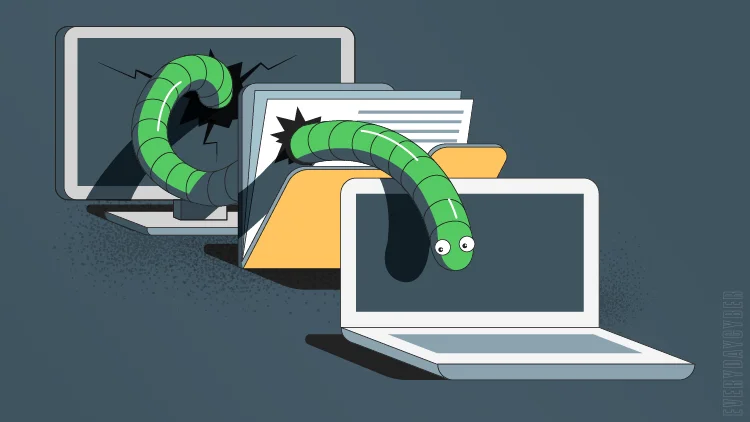
Computer worms are particularly hazardous because of the way they operate. Unlike many other types of malware, a worm can rapidly infect numerous machines across a network in a very short time by replicating itself automatically from one system to another.
Early examples, such as the Melissa Worm and Sobig, spread primarily through email attachments that users executed themselves. Once opened, these worms quickly propagated throughout the system and beyond.
MyDoom took this further by infecting computers via file-sharing software, demonstrating how worms can exploit everyday user behavior. In addition to self-replication, worms may delete or modify files, install other malicious programs, and consume system resources, leading to serious operational failures.
Common Symptoms of a Worm Infection

- Sudden system crashes or freezes that result in data loss.
- Noticeable slowdown in overall computer performance.
- Programs opening or closing automatically.
- Irregular behavior in your web browser.
- Unusual or unexpected computer activity.
- Frequent warnings from your firewall.
- Missing or altered files.
- New and unfamiliar icons or files on your desktop.
- Recurring error messages from the operating system.
- Emails being sent to large numbers of recipients without your knowledge.

How to Protect Yourself Against Computer Worms
Prevention is far more effective than cure. Here are proven steps to safeguard your computer and network from worms.
- Use a reputable antivirus program.

Also read: How to choose The Perfect Domain Name
- Never open email attachments from unknown sources.
Many worms are distributed via email. If you receive a message from an unfamiliar sender, avoid opening any attachments, as they may contain dangerous worms that will infect your system upon execution.
- Keep all installed software up to date.

- Scan your computer regularly.
Regular scans help detect hidden infections and remove them before they cause harm. Using quality antivirus software to perform routine scans is one of the simplest and most effective ways to stay protected.
- Enable and use your firewall.

Also read: Samsung Refrigerators to Recognize Family Members by Voice
Conclusion
Computer worms are sophisticated threats that can quickly infect systems and cause crashes or data loss if you are not careful. By understanding how worms work, recognizing their symptoms, and following the preventive measures outlined above, you can keep your computer secure.
Thank you!
Join us on social networks!
See you!
Subscribe to our newsletter
Get the latest Web3, AI, and crypto news delivered straight to your inbox.